Choosing an ultrasound machine for your clinic is one of the most important equipment decisions you will make. After twenty years in medical technology, I have seen practices waste thousands on systems that are either overkill or underpowered. The key is matching the machine to your clinical workflow, not just the price tag. Let me walk you through the practical steps.
First, define your primary applications. Are you doing general abdominal scans, obstetrics, vascular studies, or musculoskeletal work? Each application demands specific transducer frequencies and software. For example, a high-frequency linear probe (10-15 MHz) is essential for superficial structures like tendons and vessels, while a curved array probe (2-5 MHz) is needed for deep abdominal imaging. Many mid-range machines now come with multiple probe ports, which is a must for versatility. Also, consider Doppler capability. Color and spectral Doppler are no longer luxury features; they are critical for assessing blood flow in vascular and OB cases.
Second, evaluate image quality versus budget. The market offers three tiers: compact handhelds, portable cart-based systems, and full-sized consoles. Handhelds like the Butterfly iQ or Lumify are excellent for point-of-care use, quick scans, and telemedicine, but they lack the processing power and probe variety for advanced imaging. Portable cart systems, such as the GE Vscan or Philips Lumify, balance image quality with mobility and are ideal for small clinics or mobile services. Full-sized consoles, like the GE Voluson or Samsung RS85, deliver the best resolution and advanced features such as elastography and 3D/4D imaging, but they require a larger investment and dedicated space. For most general clinics, a mid-range portable cart system with two probes and basic Doppler will cover 90% of needs.
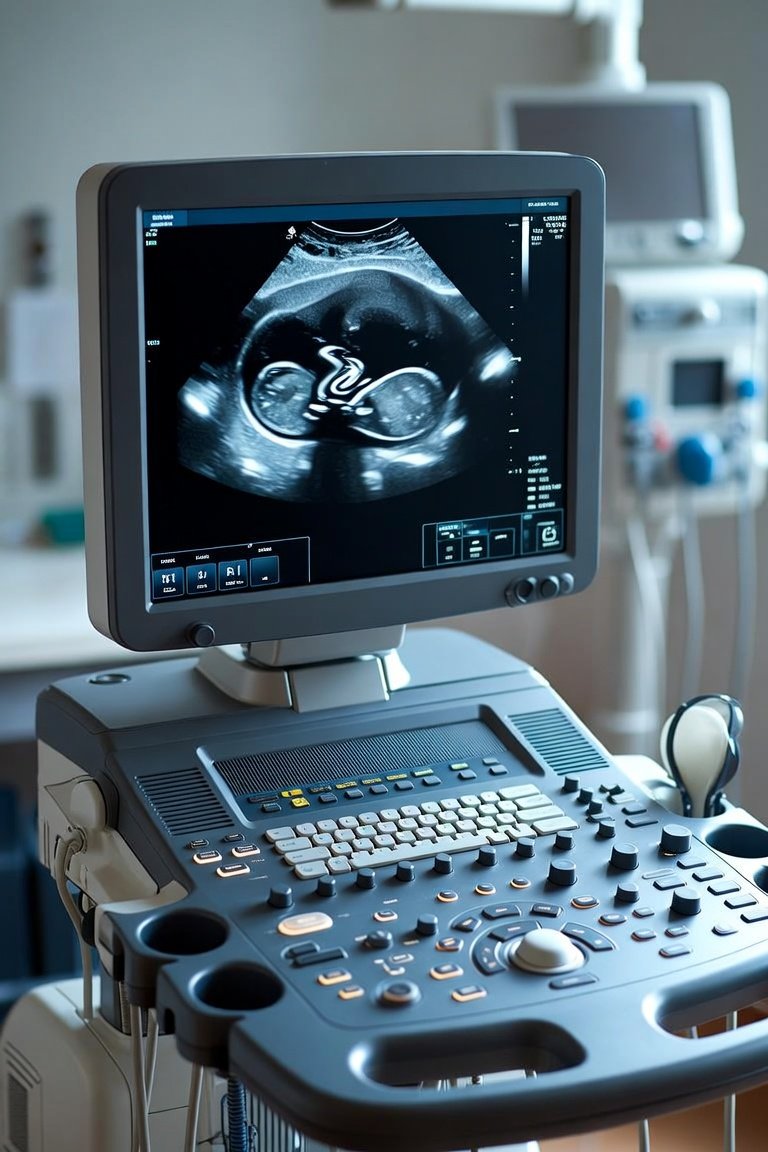
Third, consider ergonomics and workflow. The machine must fit your physical space and your staff. Look for a system with a large, adjustable monitor, a comfortable keyboard, and easy-to-clean surfaces. Evaluate the user interface: touchscreen controls are faster but can be less durable than physical buttons. Also, check the software for customizable presets. A good machine lets you save exam protocols for common studies, reducing scan time. Finally, think about storage and connectivity. You need enough internal storage for at least a week of exams, plus DICOM connectivity to your PACS or EMR. Wireless transfer is now standard, but ensure compatibility with your existing network.
What to look for in service and support. Ultrasound machines are complex and require regular maintenance. Ask about warranty terms, probe replacement costs, and on-site service response times. Probes are the most fragile and expensive component; a single probe can cost $5,000 to $15,000. Also, check for software upgrade policies. Some manufacturers charge for updates, while others include them for a period. I always recommend leasing or financing options that include a service contract, especially for smaller clinics. A broken machine with no backup can halt your patient flow for days.
In summary, start with your clinical needs, then match the machine to your budget and space. Prioritize Doppler capability and probe versatility. Do not overspend on features you will never use, but do not skimp on image quality. A good rule of thumb: the machine should pay for itself within 18 months through increased patient volume and diagnostic accuracy. Test drive two or three systems in your own clinic before buying. Many vendors offer demo units for a week. Use that time to scan real patients and get feedback from your sonographers.
My final recommendation: invest in training. A great machine is useless if your staff does not know how to optimize settings. Spend the first month learning the machine’s presets and advanced features. This will save you time and frustration later. The right ultrasound machine is not just a purchase; it is a long-term partner in patient care. Choose wisely, and your practice will thrive.
Clinic Equipment
Selecting the Right Ultrasound Machine for Your Clinic