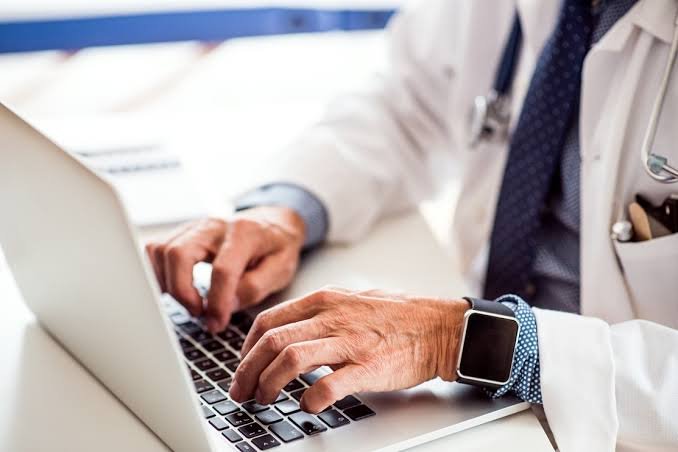
I have spent two decades in medical technology, and I can tell you that telemedicine is no longer a futuristic novelty. It is a core service that patients expect and a tool that can significantly improve your clinic's efficiency and reach. But setting it up correctly is not just about buying a webcam and hoping for the best. It requires a methodical approach to technology, workflow, and compliance.
The first critical decision is choosing your platform. You have two main categories: integrated EHR-based systems and standalone telehealth applications. Integrated systems, like those from Epic or Cerner, offer seamless data flow. When a doctor finishes a video visit, the notes, prescriptions, and billing codes are automatically placed in the patient's chart. This is the gold standard for large multi-specialty groups, but it is expensive and complex to implement. Standalone platforms, such as Doxy.me, Zoom for Healthcare, or Teladoc, are easier to deploy and more affordable for smaller clinics. They are best for straightforward consultations, but you must ensure they have a robust API to sync with your existing practice management software. My advice is to always test the data export and import process before committing. A platform that creates a data silo will cause more headaches than it solves.
Next, focus on the hardware. Do not use consumer-grade equipment for clinical encounters. A 1080p webcam with a built-in microphone is acceptable for a low-volume practice, but for dermatology, ophthalmology, or any specialty requiring visual detail, you need a dedicated medical-grade camera. Look for a device with a minimum of 5 megapixels and a ring light to eliminate shadows. The most common mistake I see is poor audio. Invest in a USB conference speakerphone with noise cancellation. It makes a world of difference when a patient is in a noisy environment. For the patient's side, you must provide clear, simple instructions. Create a one-page guide with pictures that shows them how to test their camera and microphone before the visit. A "test call" button on your portal is non-negotiable.
What to look for in a telemedicine setup goes beyond hardware and software. You must prioritize security and compliance. The platform must be HIPAA-compliant, meaning it uses end-to-end encryption for both video and data transmission. Do not rely on the vendor's word alone. Request their Business Associate Agreement (BAA) and read it carefully. It should state explicitly that they will not access or use your patient data for any purpose other than providing the service. Also, consider your clinic's internet connection. A standard cable modem is often insufficient for multiple simultaneous high-definition video streams. You need a dedicated business-grade connection with a minimum upload speed of 10 Mbps per concurrent session. Run a speed test during peak hours, not at 3 AM.
Finally, integrate telemedicine into your clinic's workflow. Do not treat it as a separate service. Schedule tele-visits just like in-person appointments in your calendar. Train your front desk staff to send the patient a link 15 minutes before the visit and to verify the patient's identity and insurance at check-in. The clinician should have a dedicated, quiet, well-lit space with a neutral background. I recommend a simple, solid-color wall or a professional backdrop. Avoid virtual backgrounds that can glitch or distract.
My closing recommendation is this: start small. Pilot the service with one provider and one common condition, like follow-up hypertension checks. Gather feedback for 30 days, refine your process, and then expand. Telemedicine is a powerful tool, but it is only as good as the planning behind it. Get the foundation right, and your patients will thank you.
Clinic Management
Setting Up a Telemedicine Service: A Practical Guide for Clinics