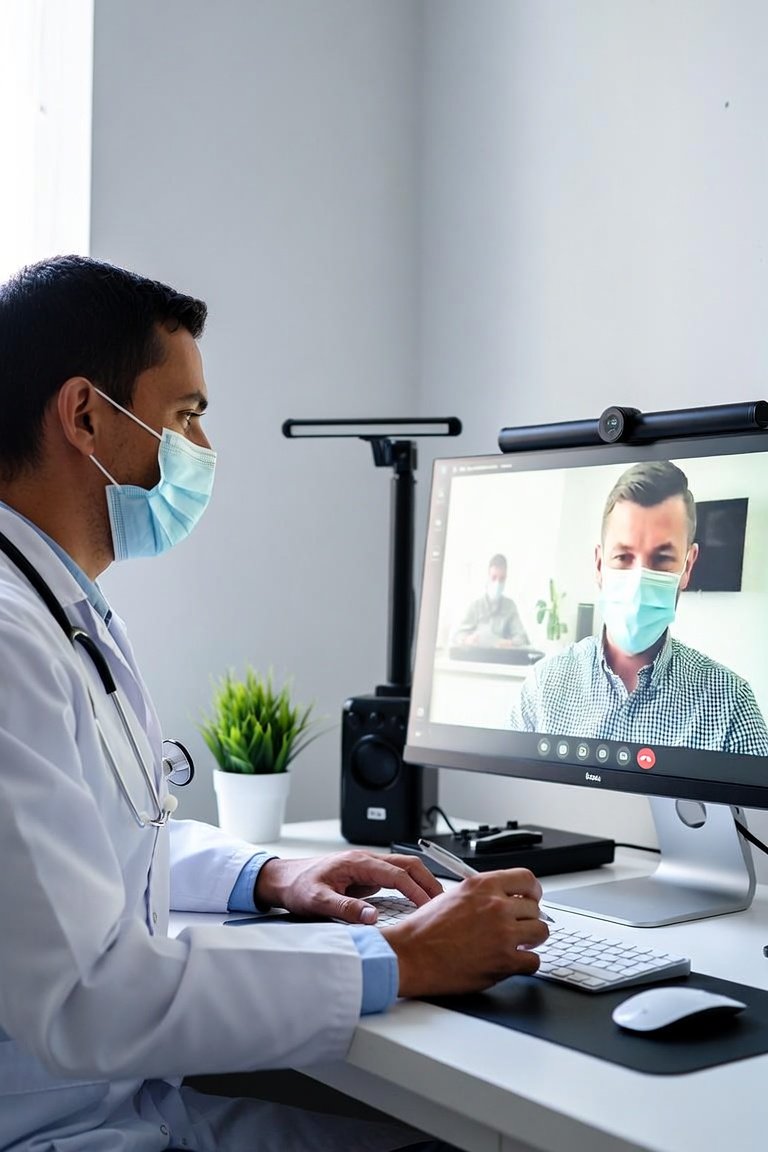
I have spent two decades watching medical technology evolve, and few changes have been as transformative as telemedicine. When a clinic decides to set up a telemedicine service, the process is not just about buying a camera and a microphone. It is about integrating a new clinical workflow that maintains patient safety, regulatory compliance, and operational efficiency. Let me walk you through the essential steps from a medical equipment perspective.
The first and most critical decision is your platform. You have two primary options: a dedicated telemedicine software suite or a general video conferencing tool with clinical add-ons. Dedicated platforms like Doxy.me, Zoom for Healthcare, or Amwell offer built-in HIPAA compliance, waiting rooms, and integration with electronic health records. General tools like standard Zoom or Skype require a business associate agreement and manual charting. For a busy clinic, I strongly recommend a dedicated platform. The cost is higher, typically 50 to 200 dollars per provider per month, but the time saved on compliance and workflow is substantial. Look for features like screen sharing for lab results, virtual waiting rooms, and the ability to record sessions with patient consent.
Now, let us talk about hardware. This is where many clinics overspend or underspend. For the provider, you need a computer with at least an Intel i5 processor or equivalent, 8GB of RAM, and a dedicated USB camera. Do not rely on a built-in laptop camera. A Logitech C920 or a Poly Studio P15 provides far better image quality and a wider field of view. For audio, a simple USB headset like a Jabra Evolve 40 is superior to built-in speakers, which create echo and feedback. For the patient, you need to guide them on their end. Provide clear instructions: use a computer or tablet, sit in a well-lit room facing a window or lamp, and use headphones if possible. I have seen countless consults fail because a patient sat in a dark room with a phone held at an angle.
The network infrastructure is often overlooked. A telemedicine call requires a stable internet connection with at least 10 Mbps upload and download speed. Test your clinic's network during peak hours. If your connection fluctuates, invest in a wired Ethernet connection for the provider computer. Wi-Fi is convenient but introduces latency and packet loss. For clinics with multiple providers, consider a dedicated VLAN for telemedicine traffic to prioritize bandwidth. Do not forget a backup plan. Have a phone number ready for audio-only consults if video fails. This is a simple, low-tech fallback that keeps the appointment moving.
What should you look for when evaluating a telemedicine setup? First, integration with your existing EHR. If the platform does not automatically create a note or schedule a follow-up, your staff will waste hours on manual data entry. Second, patient ease of use. The platform should require no download for the patient. A simple browser link is best. Third, technical support. Choose a vendor that offers 24/7 phone support, not just email. When a call drops at 4 PM on a Friday, you need a human to fix it.
In summary, setting up a telemedicine service is a three-part equation: a compliant platform, reliable hardware, and a robust network. Start with a pilot program of 10 to 20 consults per week. Monitor call quality, patient satisfaction, and provider feedback. Adjust your hardware or platform based on real data, not marketing promises. I have seen clinics succeed by starting small, testing thoroughly, and scaling slowly. Telemedicine is not a stopgap; it is a permanent fixture in modern healthcare. Get the foundation right, and your clinic will deliver care that is both convenient and clinically sound.
Clinic Management
Setting Up a Telemedicine Service: A Practical Guide for Clinic Managers