Telemedicine has moved from a convenience to a necessity, and I have seen firsthand how a well-executed virtual care program can transform a practice. The technology has matured, but the setup still requires careful planning, not just a laptop and a webcam. As someone who has spent two decades integrating medical devices into clinical workflows, I can tell you that the hardware and software choices you make today will determine your success tomorrow.
The first decision is your platform. You have two primary paths: a dedicated telemedicine software suite or a general video conferencing tool. Dedicated platforms, such as Doxy.me, Zoom for Healthcare, or Updox, offer features that are non-negotiable in a clinical setting. Look for three key features. 1) HIPAA-compliant video encryption, which is the absolute foundation of any virtual visit. 2) A virtual waiting room that lets you control when the patient enters the consultation, just like in a physical office. 3) Integrated e-prescribing and billing modules that reduce administrative friction. General tools like standard Zoom or Skype lack these clinical safeguards and can put your practice at risk.
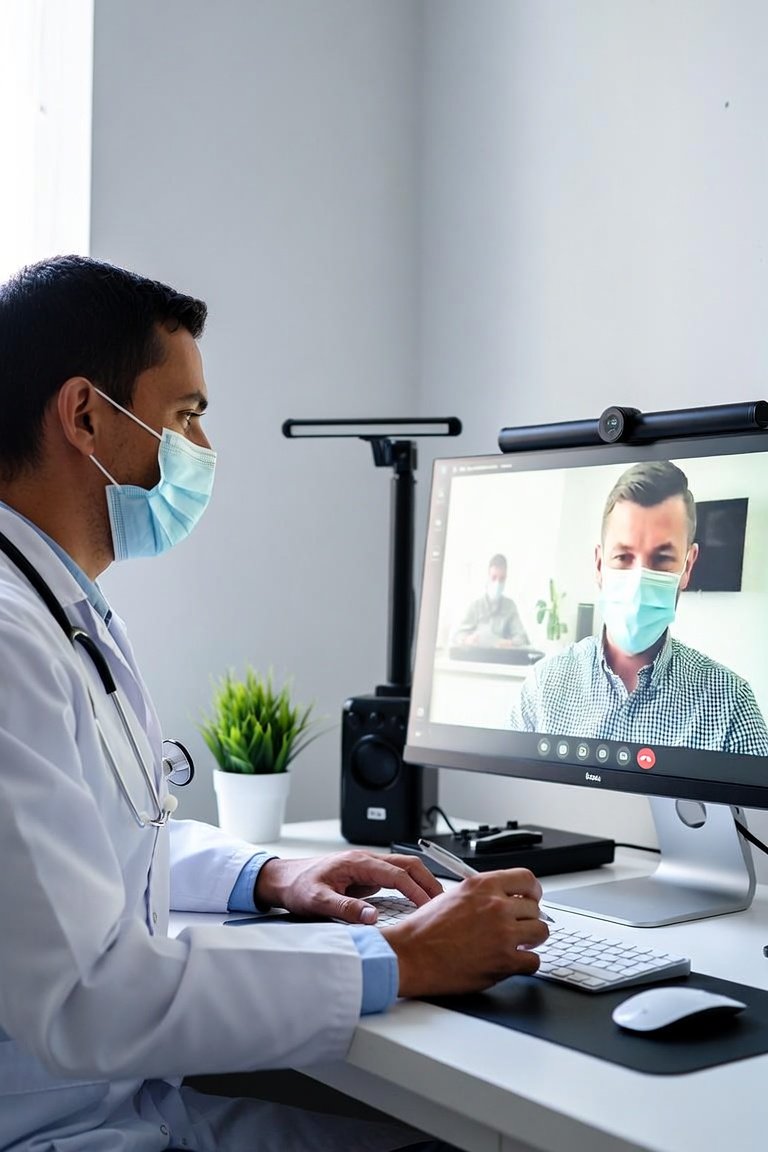
Now, let us talk about the physical hardware, because this is where most clinics stumble. You do not need a broadcast studio, but you do need reliable, medical-grade peripherals. For the camera, I recommend a dedicated USB webcam with at least 1080p resolution, not the built-in one on your laptop. The difference in image clarity is significant when you need to assess skin tone or a rash. For audio, a USB condenser microphone with a noise-canceling feature is worth the investment. Built-in laptop mics pick up keyboard clicks and ambient noise, which distracts from the consultation. The third critical piece is lighting. A simple ring light placed directly behind the camera will eliminate harsh shadows and make you look professional. For the patient side, keep it simple; they just need a smartphone or a computer with a camera, but your system must work on both operating systems and browsers.
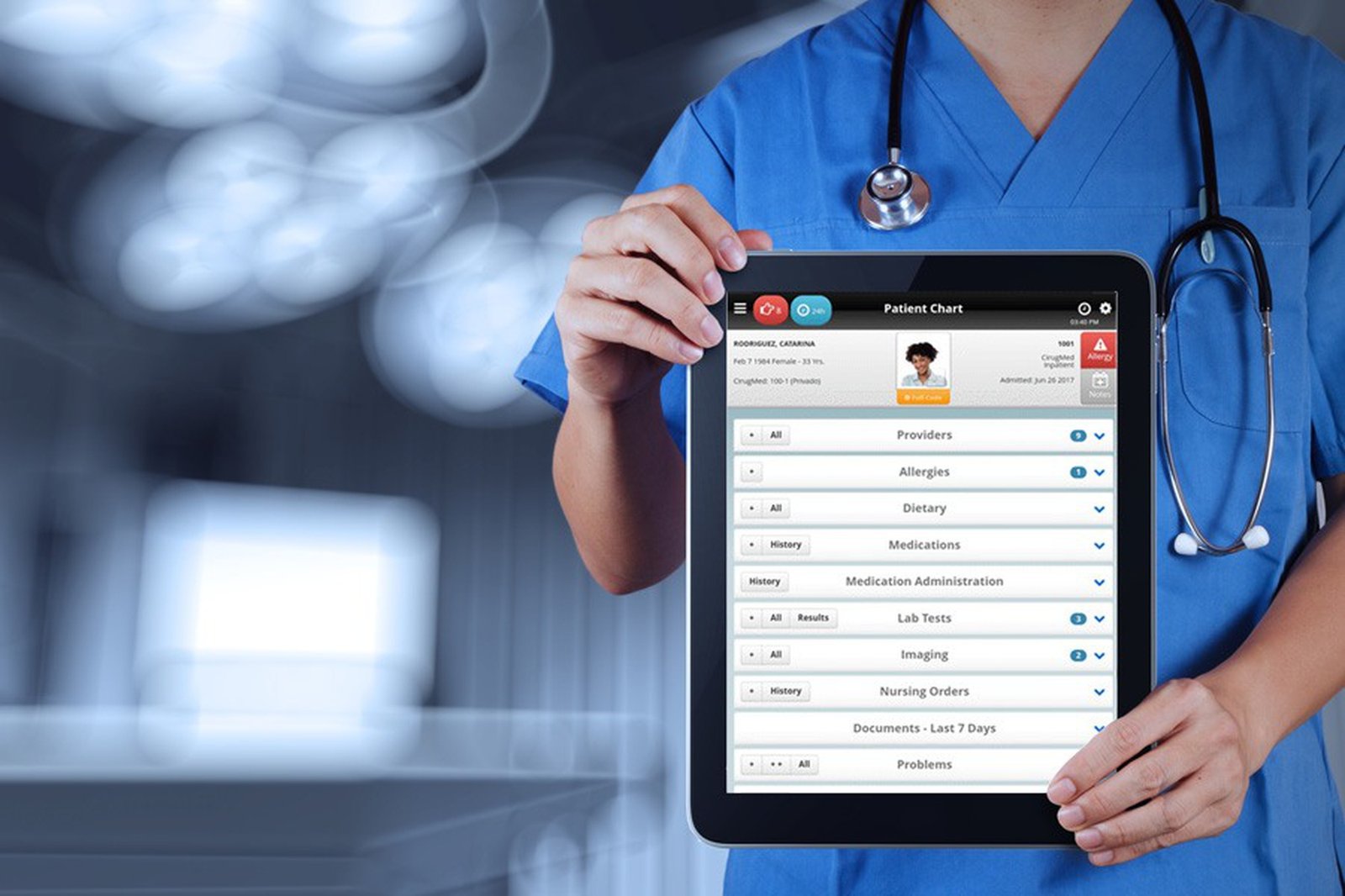
What you should look for in a system goes beyond the software. You need to consider integration with your existing Electronic Health Record (EHR). The best telemedicine platforms will offer a plugin or API that allows you to launch a visit directly from the patient’s chart. This eliminates double documentation and keeps your workflow seamless. Also, consider the bandwidth requirements. You will need a stable internet connection with at least 10 Mbps upload speed for smooth, high-definition video. I always advise clinics to run a wired ethernet connection to the computer used for telehealth, as Wi-Fi can fluctuate and cause dropped calls.
Before you go live, you must establish a clear clinical workflow. This is not just a technical setup; it is a process change. You need a protocol for triaging patients to determine if a virtual visit is appropriate. You also need a plan for remote patient monitoring devices, like blood pressure cuffs or glucose meters, if you plan to use them. Finally, train your staff. Run mock visits to test the audio, video, and lighting. Ensure your front desk knows how to send the visit link and troubleshoot basic patient connection issues.
In my experience, the clinics that succeed are the ones that treat telemedicine with the same rigor as a new piece of diagnostic equipment. Start small, test thoroughly, and prioritize the patient experience. A telemedicine service is not just a camera and a screen; it is a new clinical tool. Choose a platform that protects your patients, invest in good peripherals, and integrate it into your daily rhythm. Do that, and you will find that virtual care expands your reach and improves your efficiency without sacrificing the quality of your practice.
Clinic Management
Setting Up a Telemedicine Service: A Practical Guide for Clinics